

AEO insights are only valuable if they lead to action. But turning competitive analysis, content gaps, and visibility data into polished deliverables for cross-functional team members and leadership still requires too many steps for most marketing teams.
You track performance across brands, products, regions, personas, and models in Profound and then manually build a presentation or document to share with stakeholders or clients. That last mile is where momentum stalls.
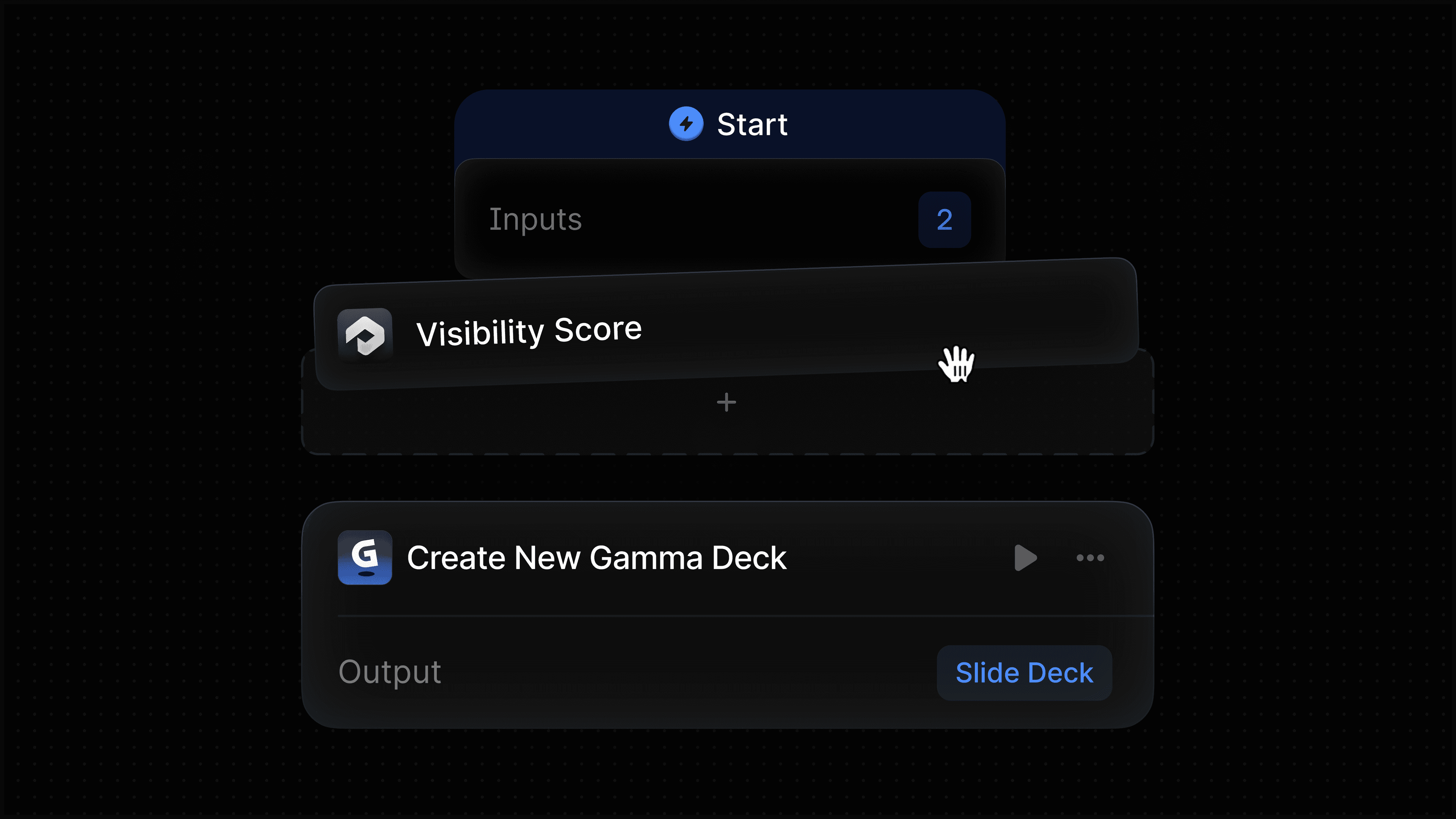
We built Profound's Gamma integration to close that gap. Profound Agents can now generate presentations, documents, and webpages directly inside Gamma as part of any automated workflow. Instead of exporting data and rebuilding it in another tool, your Agent takes the output from upstream nodes and turns it into a finished, shareable asset in Gamma without any manual handoff.
What the Gamma nodes do
The integration includes two nodes that cover the most common ways teams use Gamma in their workflows.
Create New
The Create New Gamma node generates a brand new Gamma presentation, document, or webpage from a text prompt. You choose the format, set the number of cards, select an image source (including AI-generated images), and configure the tone, audience, and level of detail. The node accepts a prompt that can be dynamically constructed from the output of any upstream node in your Agent.
This means you can chain together a full pipeline: pull AEO data from Profound, analyze it with an LLM node, and have the final output automatically turned into a polished Gamma presentation, all in a single Agent run. No copy-pasting, no reformatting, no context switching.
Configuration options include format (presentation, document, or webpage), number of cards, image source, text amount, tone, audience, language, and additional instructions for fine-tuning the AI output.
Remix Template
The Remix Template node takes an existing Gamma template and adapts it with a new prompt. This is useful for teams that have already built branded templates in Gamma for recurring deliverables like monthly reports, client reviews, or competitive briefings.
Instead of manually updating the same template every week or month, you point the node at your template ID, provide instructions for how to adapt it, and let the Agent handle the rest. The template's design, structure, and branding stay intact while the content updates based on whatever data you feed into the prompt.
Both nodes support sharing settings that let you control workspace access, external access, and export format, so outputs can be routed to the right stakeholders automatically.
How Profound customers can use this
Automated competitive briefings
Build an Agent that pulls your brand's AI visibility data, compares it against competitors, and generates a Gamma presentation summarizing the landscape. Run it weekly and route the output to a Slack channel for leadership review.
Client-ready AEO reports
Agencies using Profound can automate the creation of client-facing visibility reports. Pull citation data, visibility trends, and opportunity analysis from Profound, then generate a branded Gamma presentation using a Remix Template node that matches the client's look and feel.
Content pipeline to presentation
Build a content creation Agent where Profound identifies high-value prompt gaps, an LLM node drafts content recommendations, and the Gamma node packages everything into a presentation for editorial review. What used to take a team an afternoon can now run on a schedule.
Recurring stakeholder updates
For teams that deliver regular AI Search updates to executives or cross-functional partners, the Remix Template node turns this into a set-it-and-forget-it workflow. Link your standard reporting template, feed in the latest Profound data, and distribute a fresh, on-brand presentation every cycle.
Get started
The Gamma integration nodes are available today for Enterprise customers of Profound and self-serve customers with trial Agent runs remaining. Others interested are encouraged to get a demo to see them in action.
Learn more about this integration and others via our Integrations Center, where we also encourage you to suggest the top integrations you would like to see next.


