

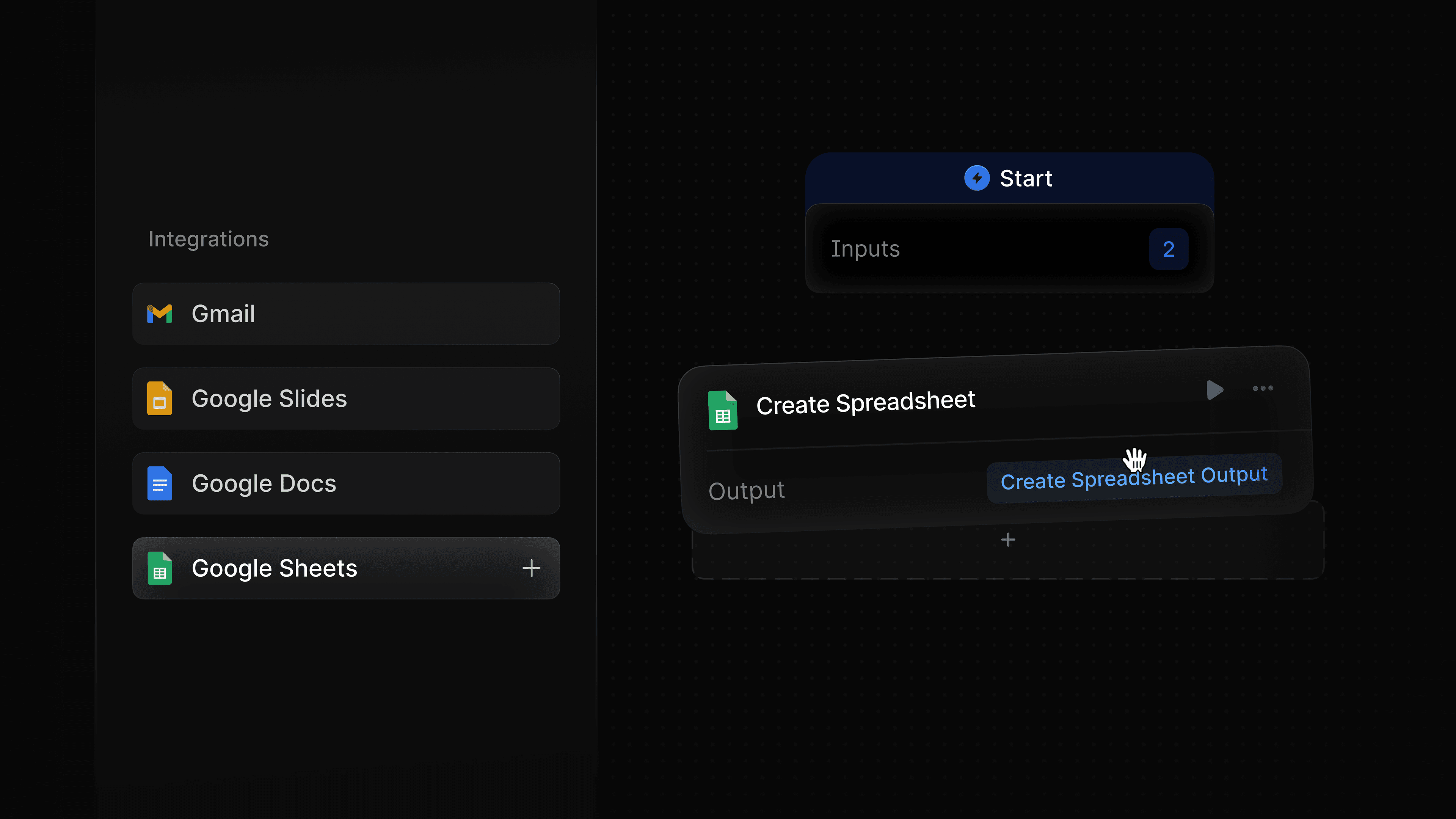
Most marketing work already happens in Google Workspace. You have briefs in Docs, data and trackers in Sheets, communication via Gmail, and presentations in Slides. Profound Agents can now plug directly into all of it.
With the Google Suite integration, Agents can send emails, create and retrieve documents, read and write spreadsheet data, and pull context from any deck.
What the Google Suite nodes do
There are now nine nodes across Gmail, Google Docs, Google Sheets, and Google Slides, that cover the most common ways marketing and content teams use Google Workspace in their day-to-day work.
Gmail
The Gmail node sends an email from your connected Google account as a step inside any Agent. Configure a recipient, subject line, and body, and your Agent handles delivery automatically. Since the node accepts dynamic inputs from any upstream step, you can also personalize at scale using variables like name, company, or account status.
Using Gmail nodes for scaled media outreach
Profound surfaces the third-party publications driving citations for your brand across AI Search. Build an Agent that identifies those outlets, uses a deep research node to find the right contact and their information, personalizes an outreach email for each one using variables like publication name and contact first name, and sends it through Gmail asking whether they would like to connect on future coverage opportunities. What would normally take a PR team days of research and drafting runs automatically.
Google Docs
Two Google Docs nodes cover the most common use cases. The Create Document node generates a new Google Doc and populates it with content produced earlier in your Agent. The Get Document node retrieves the content of an existing doc and passes it downstream as input for the next step. Together, they let Agents both read from and write to Google Docs in your Workspace, whether you are generating fresh reports or pulling in existing content for analysis.
Using Docs nodes for bi-weekly AEO reports for leadership
Build an Agent that pulls your latest visibility and citation data from Profound every two weeks, synthesizes the key wins and losses, and Slacks a polished Doc ready for your CMO to review, so they're abreast of AEO performance. No one on your team has to write the report. The Agent handles it on a schedule, every other week, in the exact format leadership expects.
Google Sheets
Five nodes give Agents granular control over your spreadsheets. The Get Sheet Values node retrieves data from a specified range and passes it downstream, while Get Row retrieves a specific row. Create Spreadsheet generates a new sheet from scratch. Write Row adds Agent-produced data as a row, and can overwrite existing rows. Update Cell makes targeted edits to a single cell in an existing sheet.
Using a Sheets node to create a project tracker
Build an Agent that analyzes your homepage, identifies the changes needed to improve your positioning and messaging, and writes the required changes directly into a Google Sheet for review. The sheet shows the before, after, and justification for each proposed change, so your marketing team can approve specific edits and assign owners.
Google Slides
The Google Slides node reads data from existing presentations in your connected Google account to provide more context to any Agent. Use it to benchmark current AEO performance against targets from a previously presented deck, or to synthesize across multiple decks at once, like summarizing the key differences between several agency proposals.
Use case: Quarterly KPI tracking in Slides
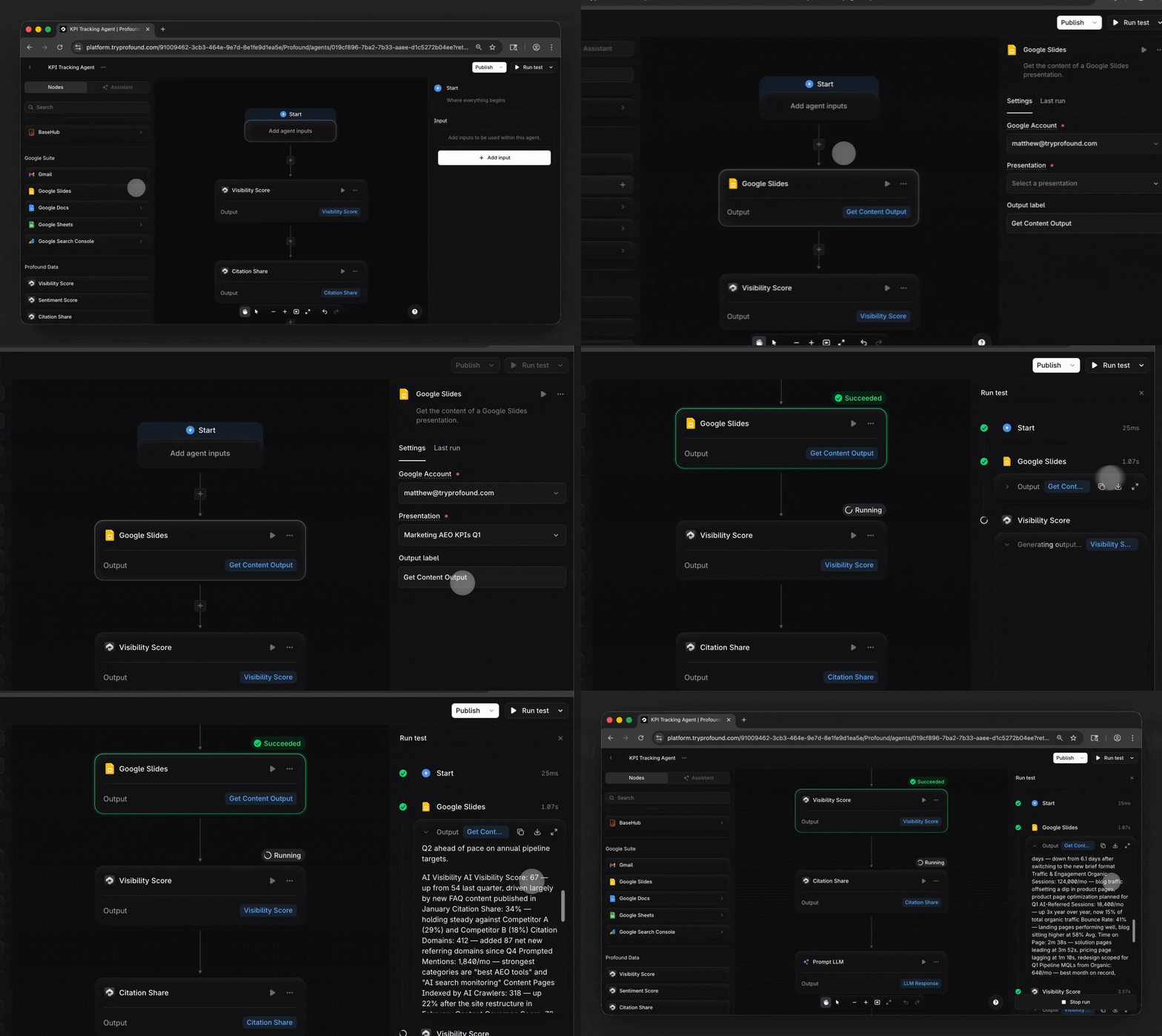
At the start of each quarter, your team sets targets in a Google Slides deck. Build a Performance Tracking Agent that retrieves that deck, pulls your current AEO performance from Profound, and generates an updated report comparing where you are against where you planned to be.
Get started
The Google Suite integration nodes are available today for Enterprise customers of Profound and self-serve customers with trial Agent runs remaining. If you are not yet a Profound customer and want to see this in action, we encourage you to get a demo.
Learn more about this integration and others in our Integrations Center, where you can also suggest the integrations you want to see next.


