

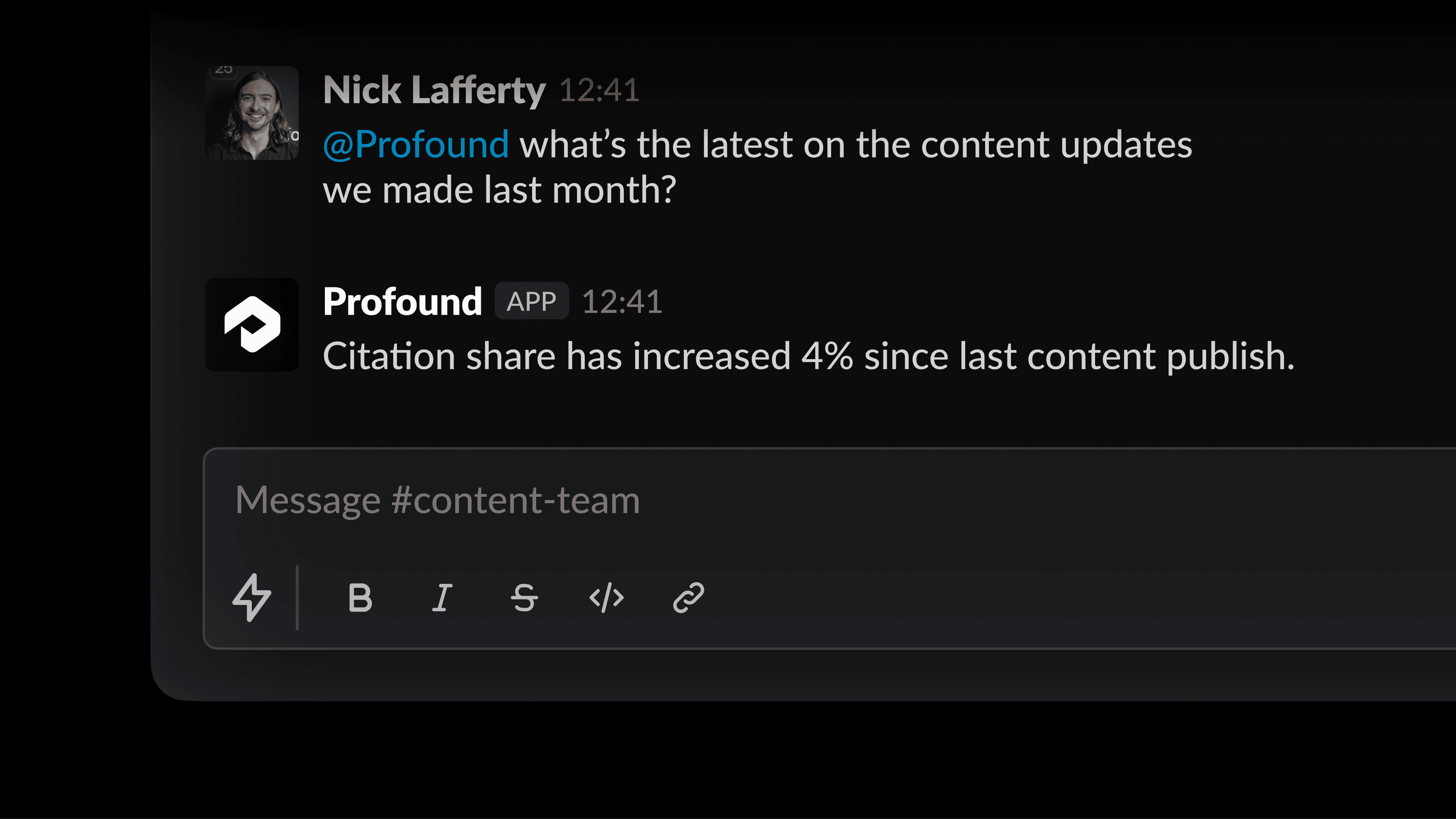
Marketing conversations don’t happen in Profound. They happen in Slack. A thread about a campaign brief, a question from a stakeholder about how a competitor is showing up in ChatGPT, a quick back-and-forth before a meeting. By the time someone logs into Profound to pull the actual data, the conversation has moved on.
Now you can ask Profound a question directly in Slack so your team can get answers, kick off projects, and stay on top of changes without ever leaving the chat.
What's new
Ask questions in any channel or thread
Tag Profound in any Slack channel or thread to ask a visibility question, pull citation data, or get a competitive snapshot. As Profound processes your question, you can watch it work through the answer in real time. Each tool call appears as it happens and gets marked complete when it's done.
Context from the thread itself
Tag Profound into an existing thread within a channel and it automatically reads up to 50 messages of conversation to contextualize its response. It knows what you've been talking about, so its answer actually reflects the conversation.
Turn a conversation into a Project
If that conversation turns into something you want to act on, you ask Profound to create a Profound Project directly from Slack. The context carries over automatically, so you're not starting from scratch.
Get Profound alerts in Slack
And, once a Profound Agent runs, it can send alerts directly to a Slack channel. This way Pofound can ping your team where they are getting their work done without the need for context switching.
How teams are using it
Answering stakeholder questions in the moment
When a teammate asks for a quick data pull before a leadership meeting, tag Profound in the thread and it answers with context. No need to log into Profound, pull a report, and share a link.
Turning strategy conversations into Projects
When a discussion about a content gap or citation strategy turns into something you actually want to act on, create a Profound Project directly from the thread. It spins up tasks for your team to work through, with the conversation baked in as context.
Get started
Ask Profound is available today for all Profound customers. To enable it, connect your Slack instance to Profound in Settings under Integrations. If you'd like to see it in action, get a demo or explore our full integration lineup in the Integrations Center.


