

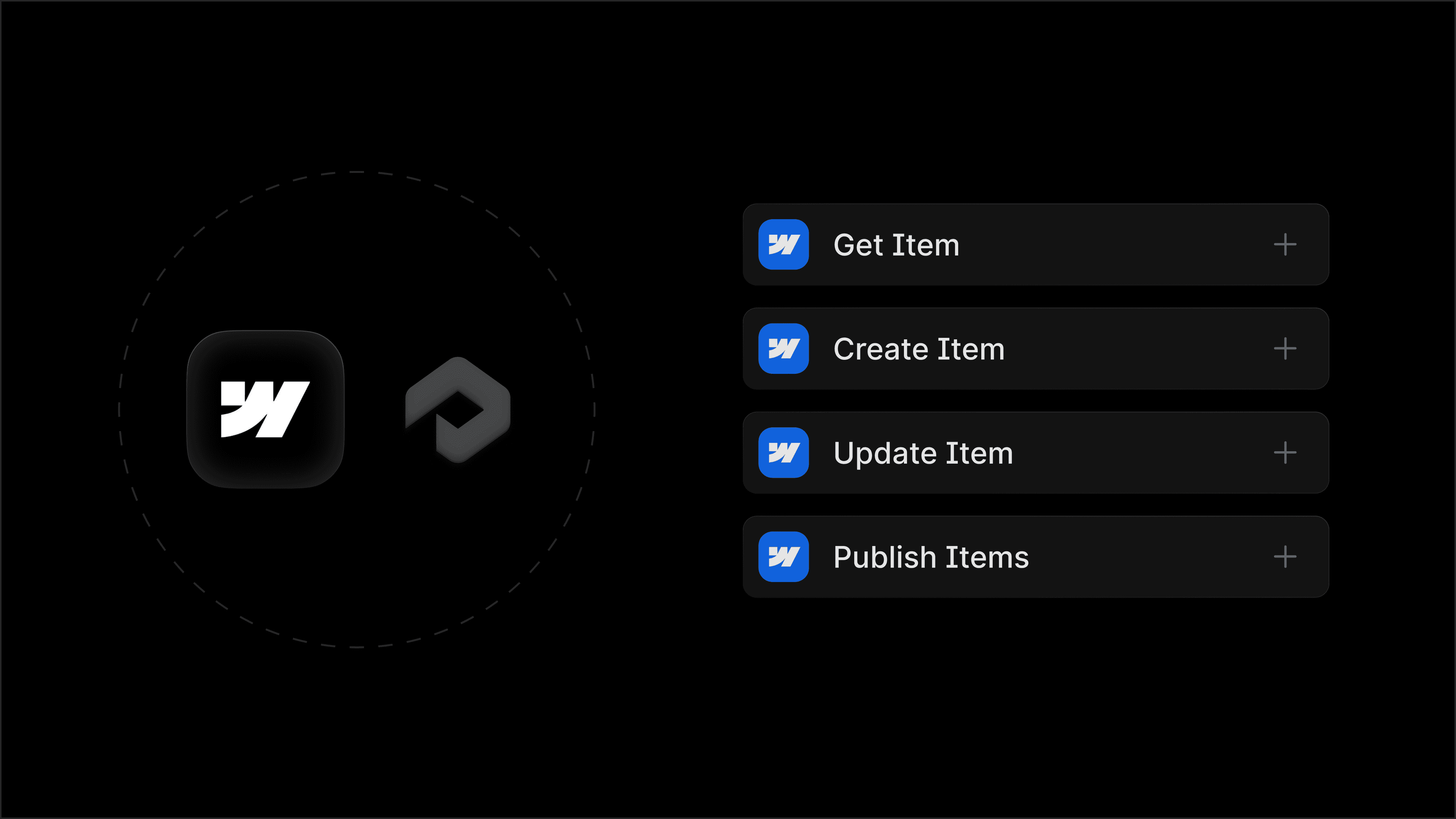
Profound Agents now connect natively to Webflow, turning your CMS into an active endpoint for automation. With this integration, your Agents can get, create, update, and publish CMS items, making it even easier for your team to act on AEO insights. The manual work of drafting and staging happens automatically, so your team can focus on strategy, review, and approval.
What the Webflow nodes do
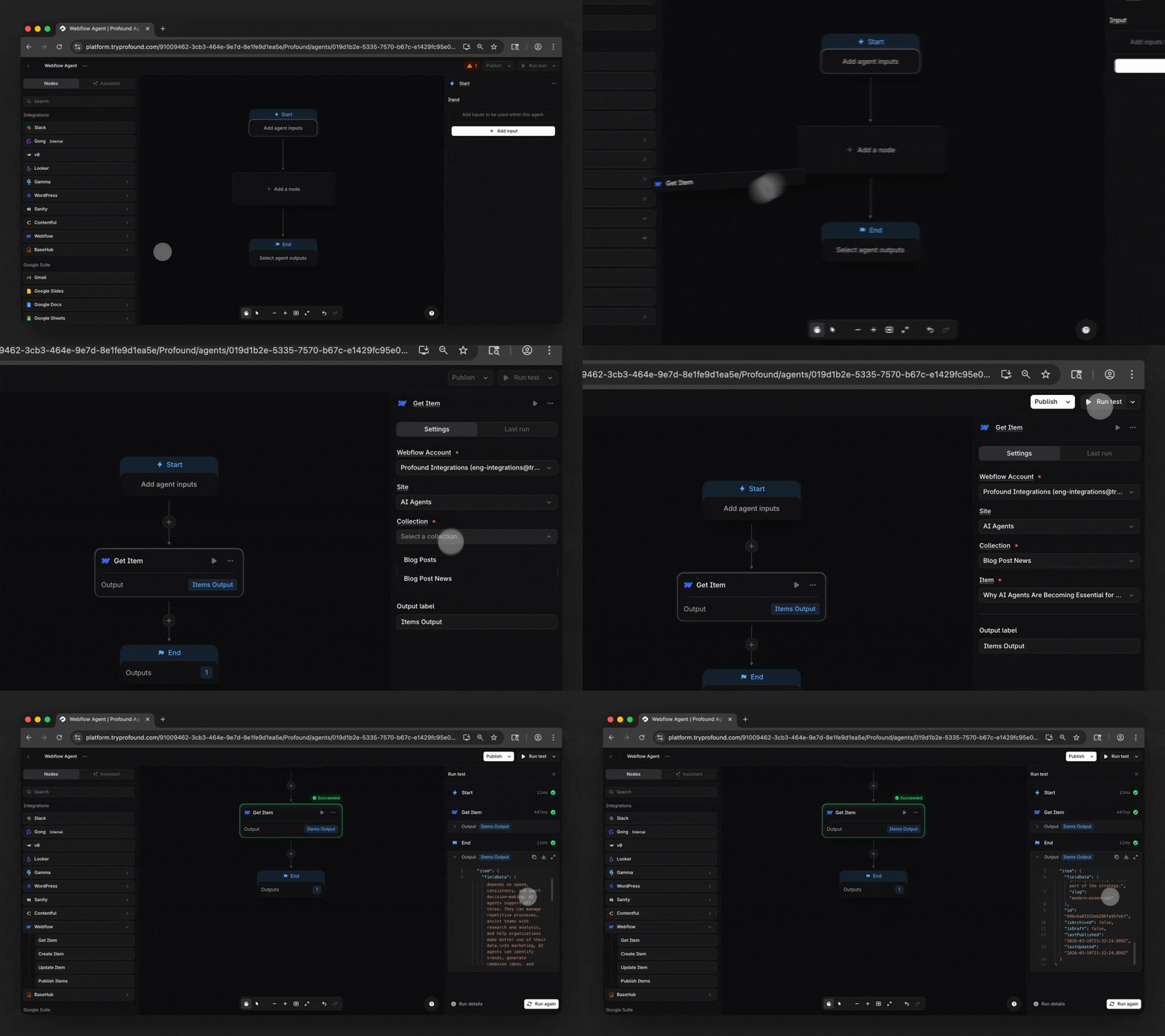
The integration includes four nodes that cover the most common ways teams use Webflow in their workflows.
Get Item: Pull a live CMS item from Webflow directly into an Agent run, so your Agents always operate on the most current version of your content.
Create Item: Generate a net-new CMS item in Webflow and sync it as a draft, ready for review.
Update Item: Write changes back to an existing CMS item.
Publish Item: Push a CMS item from draft to live. Build human review into the Agent as a deliberate step, or let the Agent publish automatically when you're ready to trust the pipeline.
How you can use Webflow nodes
Top marketing teams are connecting their CMS to Profound to create a self-iterating content engine.
Build Agents for real-time optimization
When your AEO data shifts, whether a competitor gains citations or a key topic drops in visibility, your Agent responds automatically.. Pull the relevant pages with the Get Item node, enrich them with the latest prompt and citation data from Profound, and push optimized versions back to your CMS with the Update Item node. No manual audit, no delay between insight and action.
Capture emerging content opportunities
When Profound surfaces a popular topic your brand is missing based on Prompt Volumes data, an Agent can act on it immediately. Generate a net-new article or landing page, sync it to Webflow as a draft with the Create Item node, and route a review notification to your team via Slack, all in the same run. Your team inherits a finished draft, instead of a request to write one.
Refresh your FAQ library automatically
Build an Agent that pulls each FAQ item with the Get Item node, checks it against Profound's latest prompt data to identify missing questions or outdated answers, rewrites and expands the entries with an LLM node, and pushes the updated items back to Webflow with the Update Item node. Run it on a schedule so your FAQ library stays current with how AI models are framing your category.
Get started
The Webflow nodes are available today for Enterprise customers of Profound and self-serve customers with trial Agent runs remaining. If you are not yet a Profound customer and want to see this in action, we encourage you to get a demo.
Learn more about this integration and others in our Integrations Center, where you can also suggest the integrations you want to see next.


