

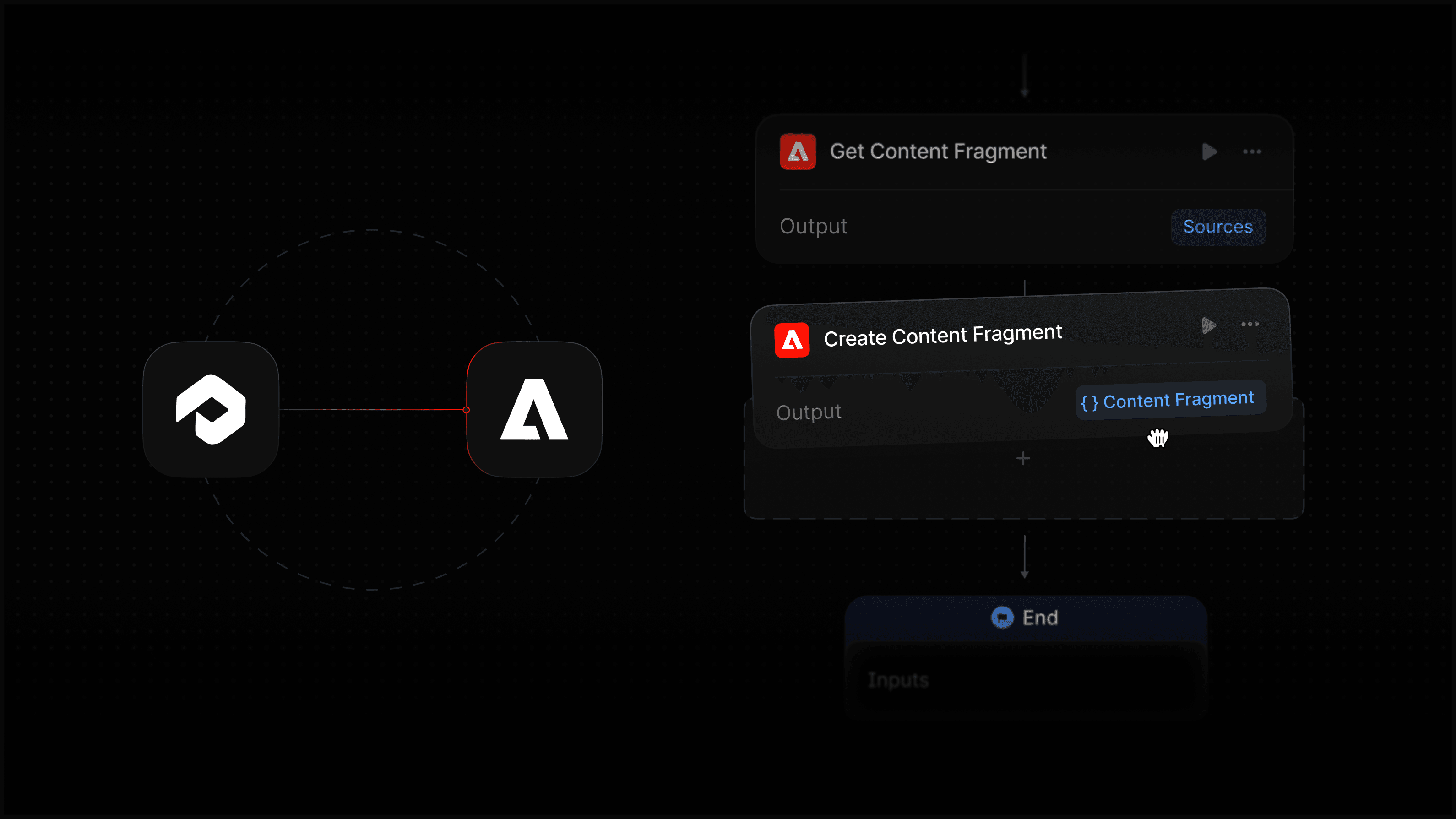
Marketing teams manage thousands of structured Content Fragments in Adobe Experience Manager (AEM). When Profound identifies a content gap or outdated page, you can now make the change immediately in the right AEM Fragment.
With this integration, your Agents can List, Search, Get, Create, and Update Content Fragments directly in AEM, closing the loop between insight and a published update.
What the Adobe Experience Manager integration does
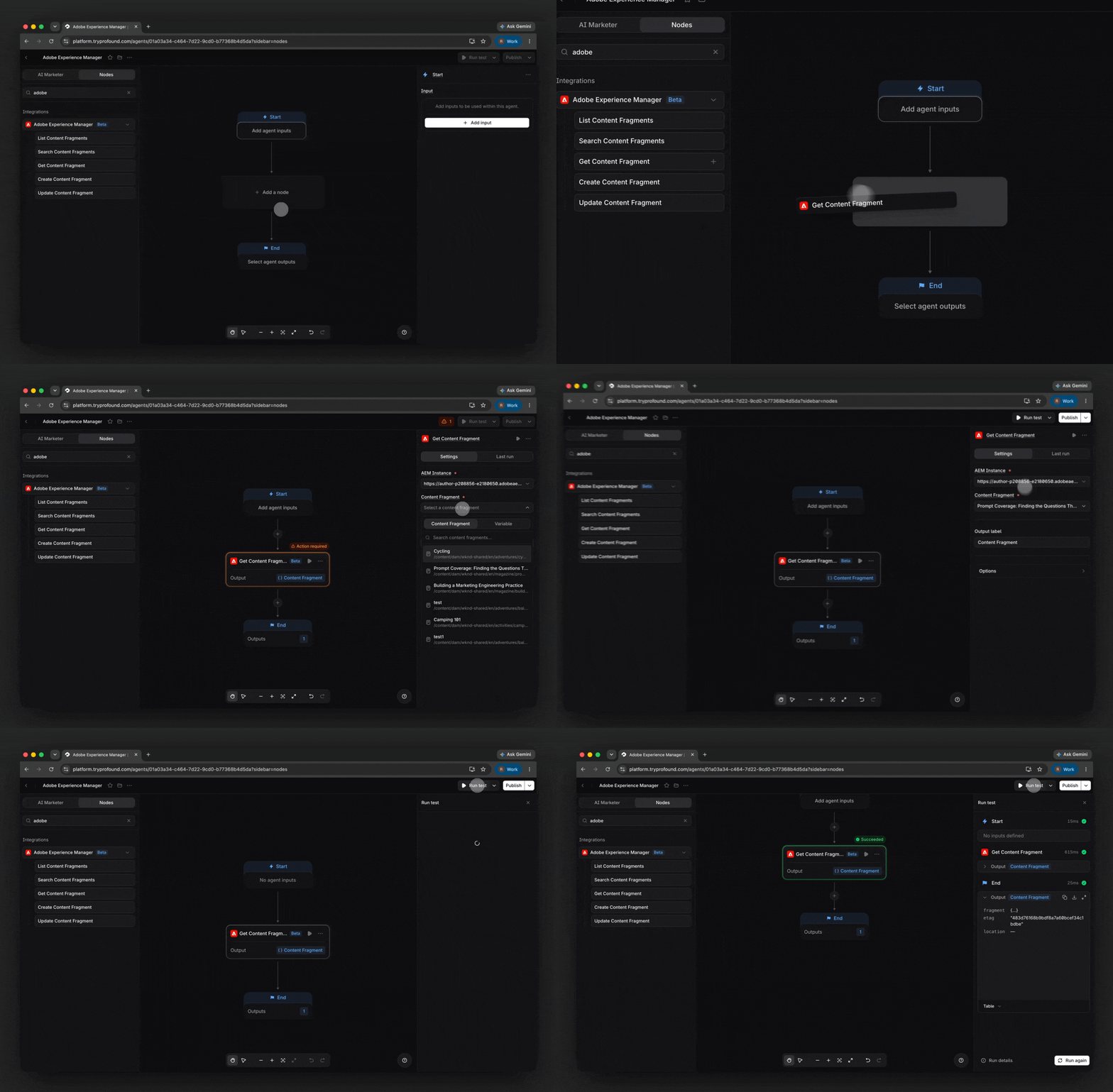
List Content Fragments
Returns the Content Fragments inside a given folder of your AEM instance. Use it when an Agent needs to discover what already exists before acting on it, or when a Agent needs to iterate over a whole folder of Fragments rather than a single known item.
Search Content Fragments
Finds Content Fragments matching one or more criteria, rather than requiring an Agent to already know the folder or Fragment it's looking for. Search across text, status, Content Fragment Model, locale, and creation date.
Get Content Fragments
Reads the full content of a specific Content Fragment. This node gives an Agent a Fragment's current copy to identify inaccurate or outdated content.
Create Content Fragments
Creates a new Content Fragment in your AEM instance. Agents can draft and publish Fragments directly without leaving Profound.
Update Content Fragments
Writes changes back to an existing Content Fragment. This is the node that updates content in existing Fragments, fixing detected inaccuracies or stale content.
How Profound customers can use this
Product FAQ refresh
Instead of a content team manually updating a product FAQ library every quarter, a Profound Agent can pull the content, take the first pass, and push updates directly to AEM.
Point an Agent at an AEM folder with the List Content Fragments node, then loop over every Fragment inside it. For each one, the Agent reads the current copy using the Get Content Fragment node, and compares it against the Knowledge Base with a Prompt LLM node. The Agent only writes a change using the Update Content Fragment node when the comparison flags a real gap.
Act on AI visibility insights in real time
When Profound detects that a topic is losing visibility, an Agent can act on that signal immediately instead of waiting for a brief to move through a content queue.
If the relevant Content Fragment already exists, the Agent pulls it using the Get Content Fragment node and drafts an update. If no Fragment covers the topic yet, the Agent creates one with the Create Content Fragment node. The Fragment is staged in AEM for your team to review and publish, so the distance between insight and action collapses to a single Agent run.
Get started with Adobe Experience Manager and Profound
The Adobe Experience Manager integration is available today for customers of Profound and self-serve customers with trial Agent runs remaining. Learn how to set it up in Profound in our setup guide.
If you are not yet a Profound customer and want to see this in action, we encourage you to book a demo.


