

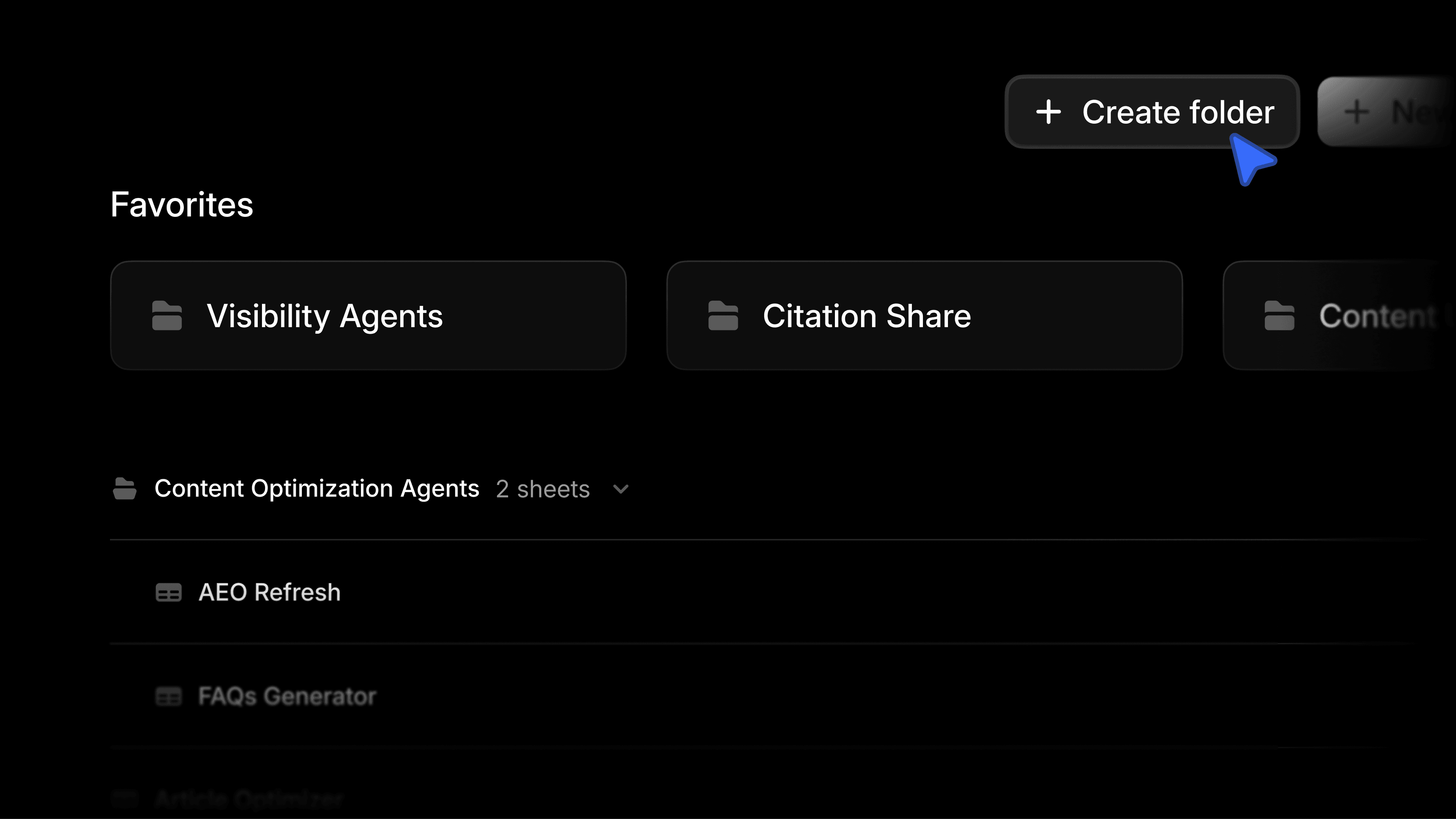
You can now sort Agents and Sheets into folders and sub-folders, and mark your favorites so they stay within reach.
Drag and drop items between folders, or select several at once to move or organize them in bulk, and right-click any item for quick actions without leaving the page. For a power user running the same handful of Agents or Sheets consistently, favorites keep those few pinned to the top of their respective dashboards.
How Profound customers can use this
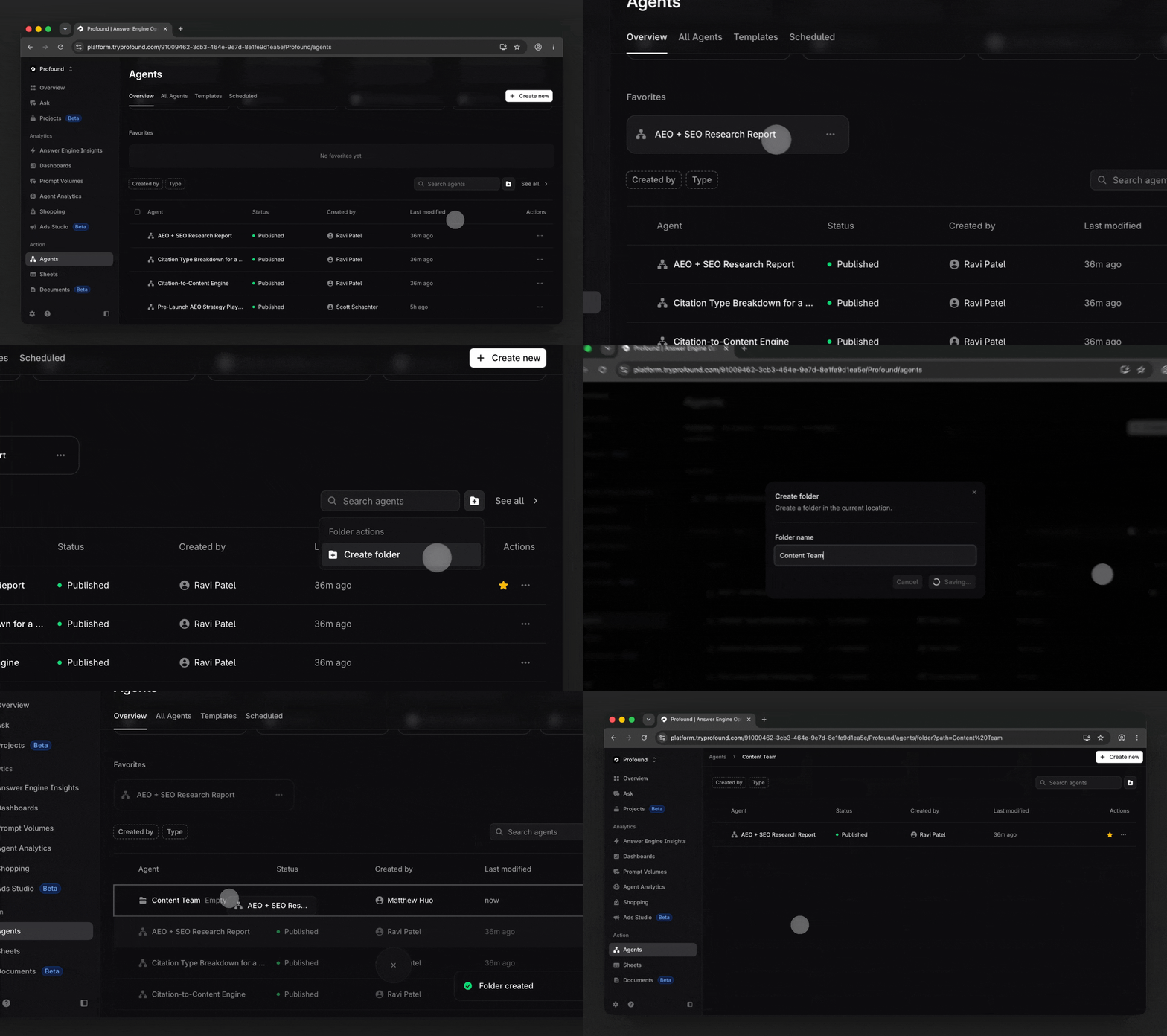
Organize by team
Create one folder per marketing function and give each team its own space. A folder for the content team, another for analytics and reporting, one for PR and comms. Each group works inside its own folder.
Keep your personal Agents structured
If you are the one running a dozen different Agents, use sub-folders to group them by project or workflow and favorite the two or three you run daily. Your routine stays one click away while the long tail stays filed and out of the way.
Get started
Folders and favorites are available today for all users of Profound, across both Agents and Sheets.
If you are not yet a Profound customer and want to see this in action, we encourage you to get a demo.


