


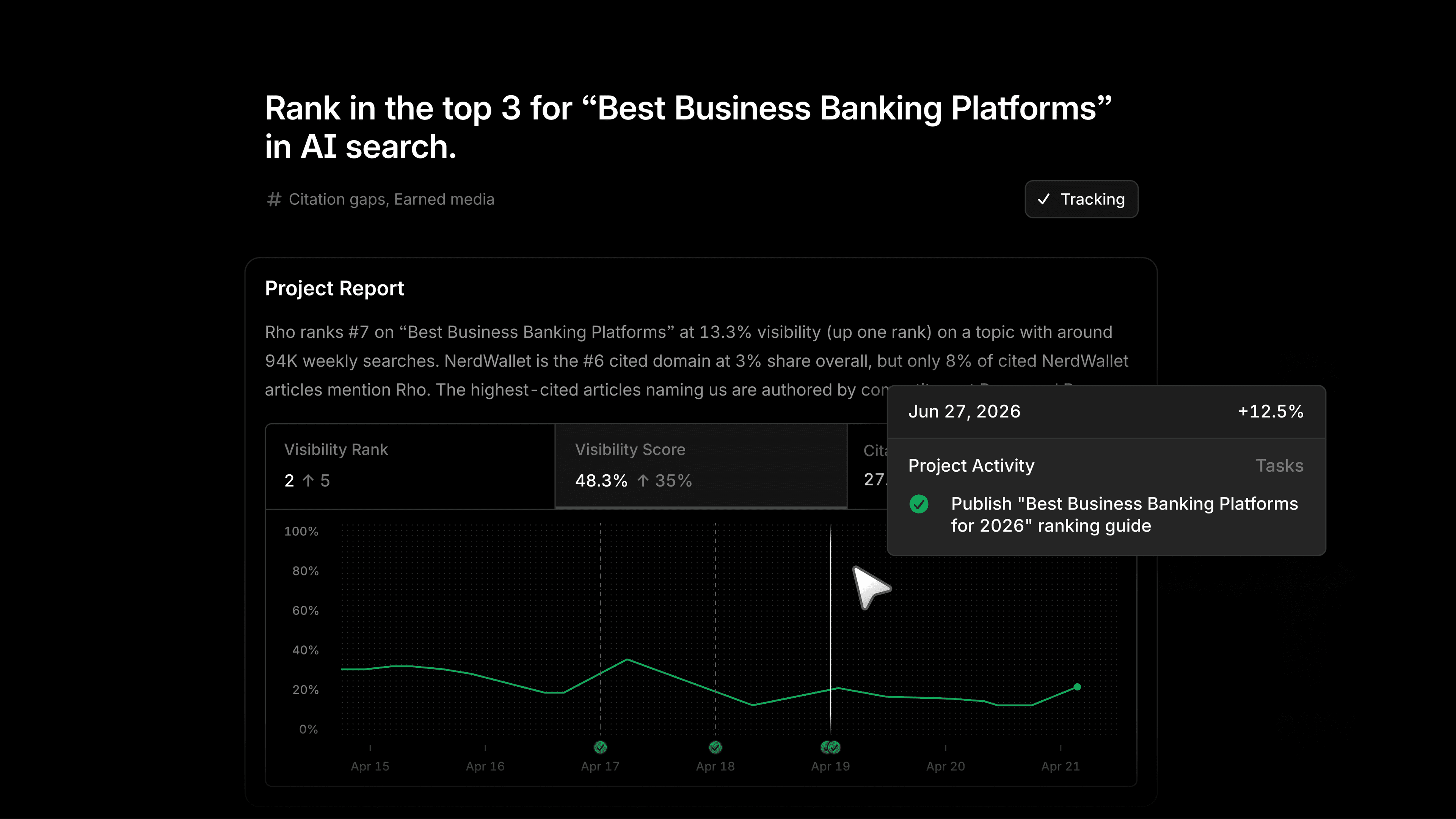
Marketers are rarely short on data. In fact, they tend to have more than they can act on in a week: visibility shifts, citation gaps, competitor moves, prompt volume you are not capturing. Insight was never the bottleneck. Everything between knowing and doing is.
Profound Projects lives in that space and gives marketers what they need to win.
What are Projects in Profound
Projects is your command center. It is part opportunity engine, part project management, and it lives where you already consume insights and trigger action. Instead of digging through dashboards to figure out your next move, Profound does the analysis for you and hands you a prioritized set of suggested Projects, each one already broken down into the work it takes to act on it.
How Projects works
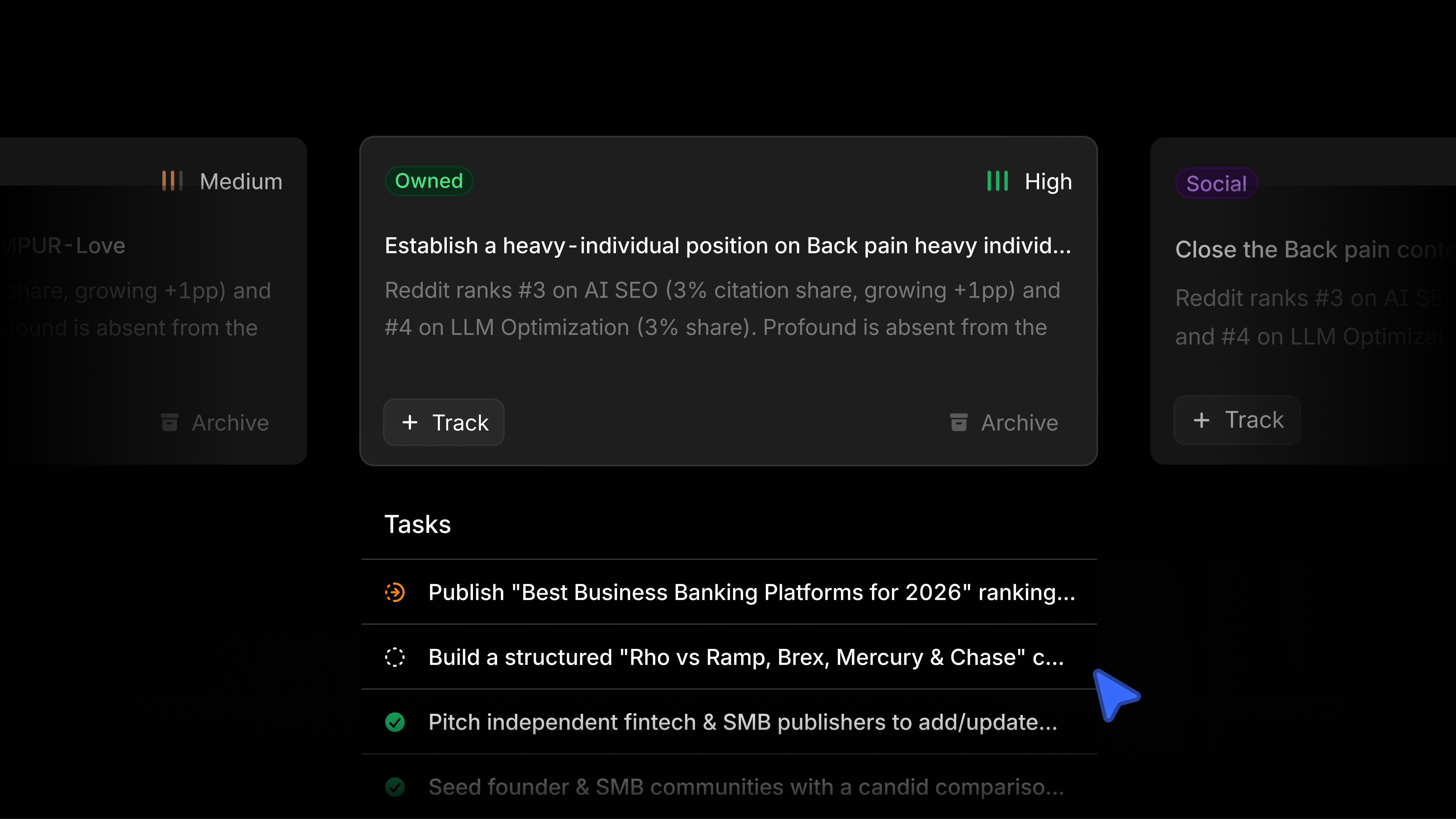
Recommended projects, surfaced for you. Each week, Profound analyzes the full picture of your workspace: your AI visibility, prompt volumes, citation share, competitor movement, bot traffic, and earned signals. It also taps into your knowledge base, website, integrations, and all of the connected context that says what matters to your brand. Profound looks for meaningful week-over-week changes and surfaces the suggested Projects worth your attention.
Every project comes with a plan. Open a Project and you get a brief explaining the opportunity, the data behind it, and a set of tasks spanning content creation, content optimization, outreach, community engagement, and more. You are not starting from a blank page. You are starting from a recommendation with the reasoning attached.
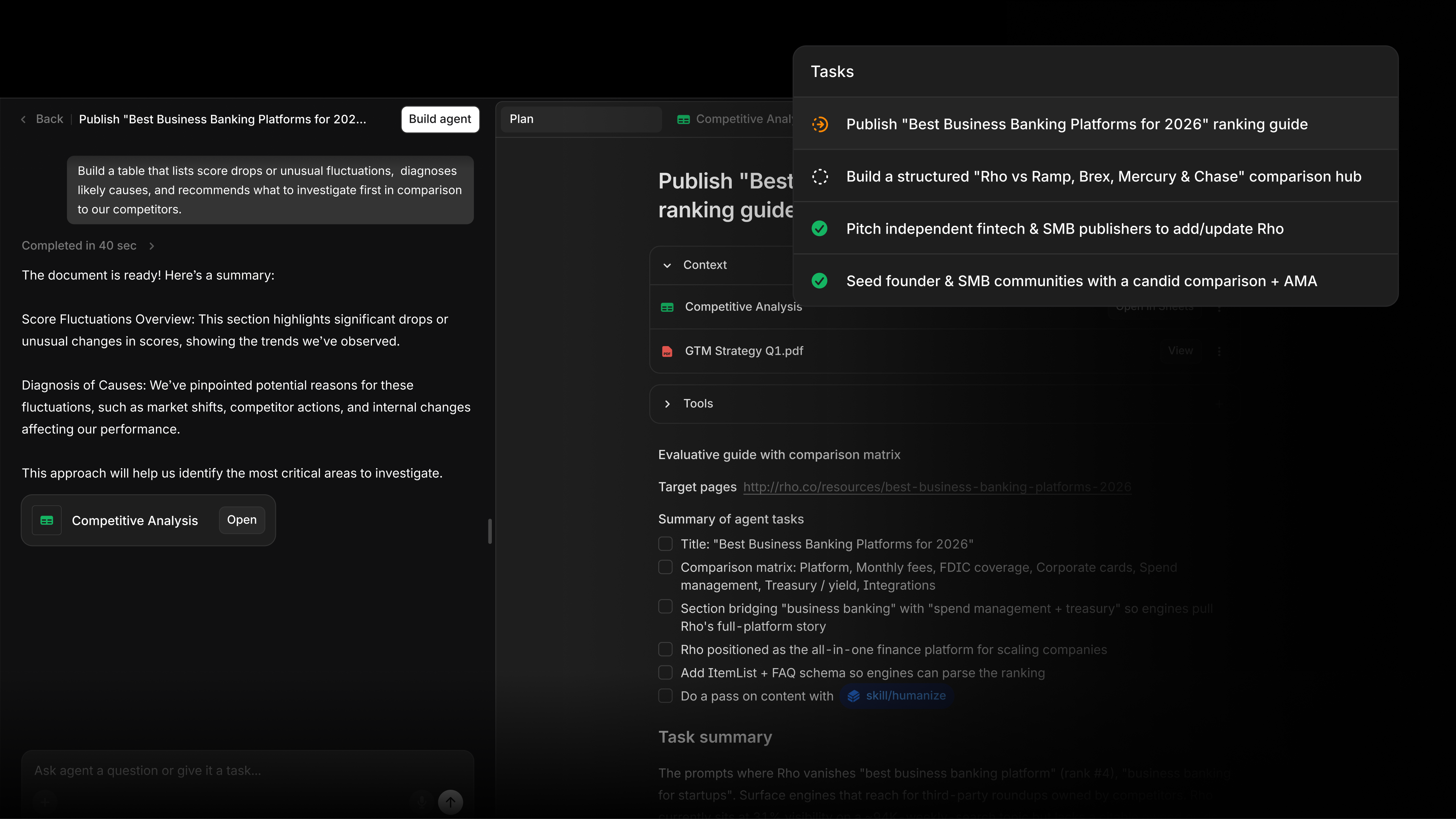
Every task connects to an sub-Agent. This is the part that changes how the work gets done. Each task is linked to an Agent built to execute it, whether that is drafting a comparison page, refreshing a page to reclaim a citation, or writing an outreach pitch. Build the Agent in one click, then refine it through chat. Your analysis and your execution finally run in the same workflow.
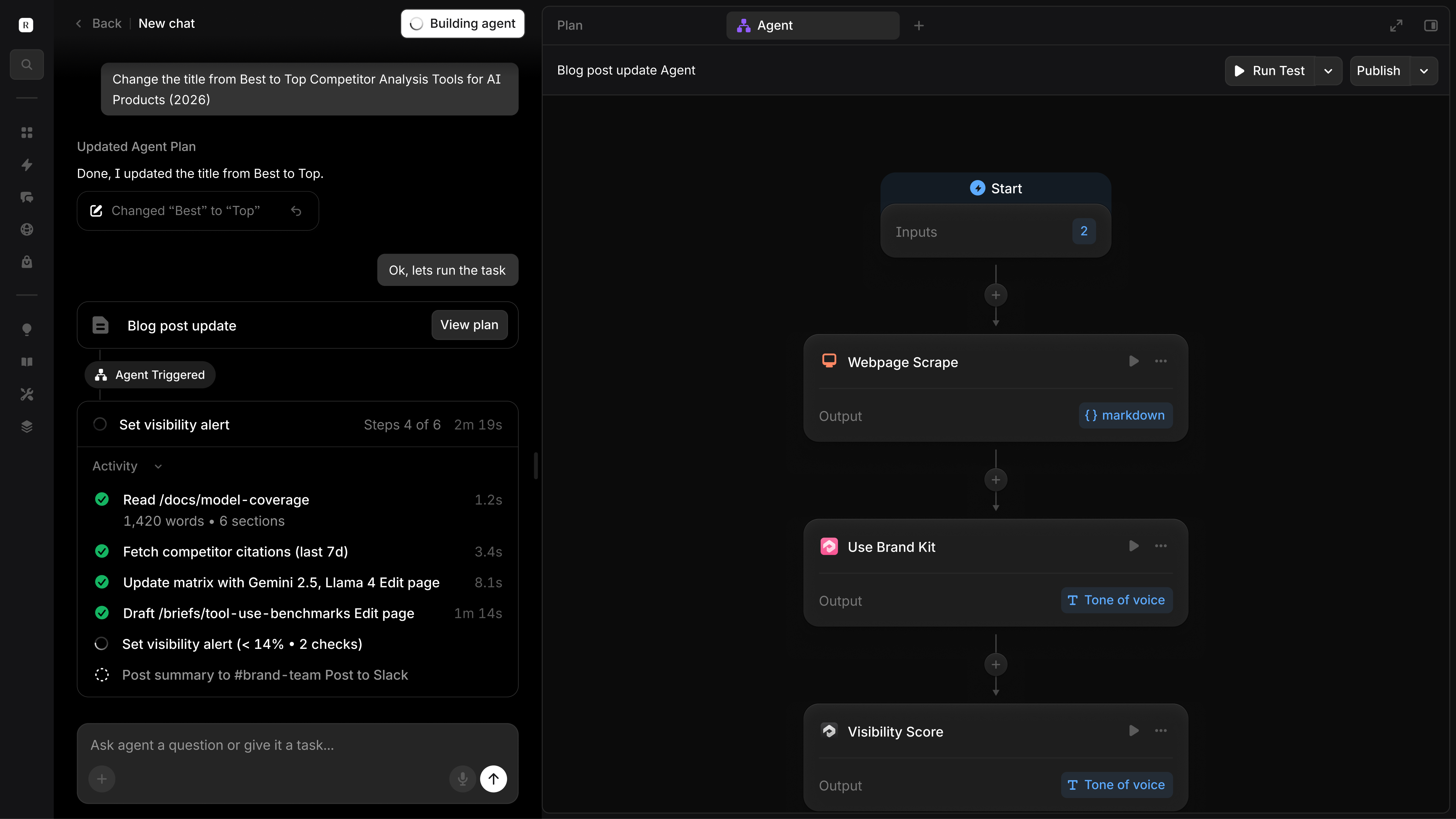
It learns what you care about. Track the projects worth pursuing and archive the ones that are not. Over time, Projects sharpens its recommendations around the work your team actually does. The more context you load into your workspace through Knowledge Base, Skills, and Integrations Center connections, the more specific and accurate your projects become.
Your team works together. Task status and assignment are visible across your organization, and the chats, files, and agents tied to a project are saved alongside it. Everyone can see what is in progress without a status meeting or a separate tracker.
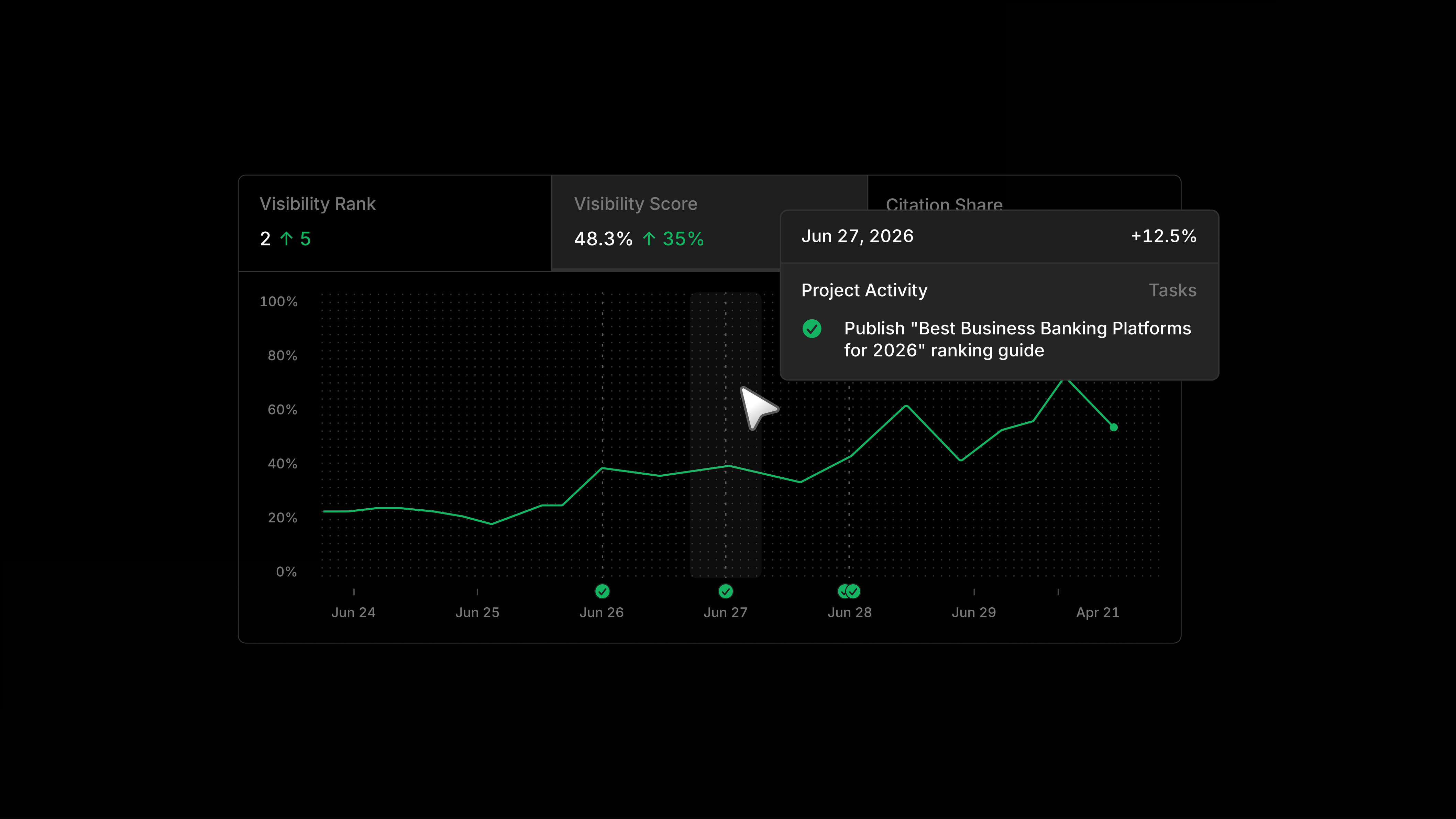
Build your own from scratch. When you already know the goal, create a custom project. Name the objective, choose the platforms and topics you care about, add any context, and Projects builds out the task list for you.
How to use Projects
Turn your AEO data into a weekly plan
Instead of opening Profound and wondering where to start, open Projects and start with a ranked list of opportunities pulled straight from your own data. The analysis is already done. Your job is to decide what to pursue.
Catch the opportunities you would otherwise miss
Small signals add up. A minor citation-domain change that drops your visibility a point, a competitor quietly climbing on a topic you own, a new question showing up in the answers your buyers read. Profound watches the long tail that no one has the bandwidth to track by hand and surfaces it in Projects before it becomes a problem.
Move from analysis to execution without switching tools
The old workflow split insight and action across two halves of the platform: data on one side, Agents on the other. Projects connects them. You go from spotting an opportunity to building the Agent that acts on it, without rebuilding the work somewhere else.
Coordinate the work across your team
For teams running AEO as a group effort, Projects gives you a shared surface to assign tasks, track progress, and keep the work attached to the data that prompted it.
Scale across brands and clients
For agencies and multi-brand teams, Projects runs the same analyze-to-action loop for every brand you manage. Each one gets its own surfaced opportunities and task lists, so you can run AEO programs across a full portfolio without starting from zero each time.
Get started
Projects lives in the left nav alongside your existing Profound tools and is available for all customers.
If you are not yet a Profound customer and want to see this in action, we encourage you to get a demo.


