
Plenty of marketing software now calls itself "agentic" or says it has an agent, from email platforms to CRMs and general-purpose chat tools. The word promises software that works autonomously rather than waiting for instructions.
What you actually work with, though, is the assistant in front of those agents, the part you talk to in plain language. And two assistants can carry the same "agentic" label but take on very different amounts of work. Some answer when you type and stop there, while others run on a schedule, watch your data while you're logged out, and come back with campaigns or reports.
So we looked past the label. We put three questions to five assistants, using each vendor's own documentation: what it knows about your brand and data, what it does without being asked, and what it's allowed to change.
For a quick comparison, check out the table below:
1. Profound AI Marketer (Aim): best overall AI marketing assistant
Best for:
- Marketing teams that want an assistant to start the work as well as answer questions.
- SEO, content, PR, and product marketing teams working from one list of AI search opportunities.
- Marketing orgs that want brand context set once and shared by everyone.
- Leaders who need to see whether each project moved visibility and citation share.
What you'll love:
- A ranked list of opportunities every week, with the reasoning and data behind each one.
- Brand Records that fill in from Slack, email, and Gong, plus a question when something's missing.
- Agents built and run for every task, with your approval before anything goes out.
- Visibility rank, visibility score, and citation share tracked for every project.
- Profound's AI search data underneath, from real prompts to citations to AI crawler traffic.
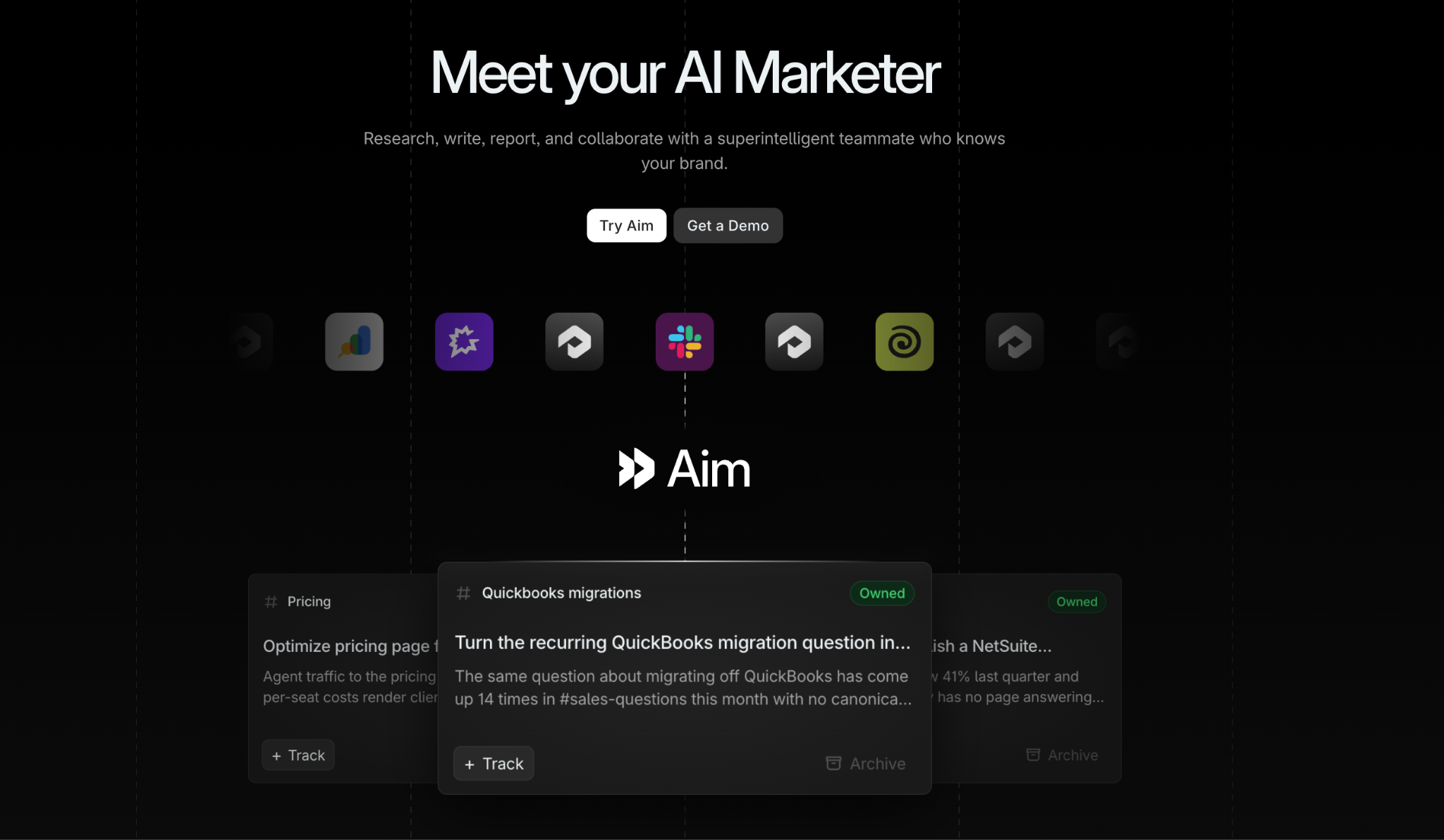
AI Marketer (Aim) is the teammate we built into Profound for the part of marketing that comes before the work: deciding what to do.
To decide well, Aim needs to know your market and your brand. So it draws on Profound's AI search data, which covers how AI engines describe and cite you and your competitors, what people ask them (drawn from more than 2 billion real prompts), and how AI crawlers and agents use your site. Aim reads that data against Context Manager, where Profound keeps six Brand Records for your company, market, offerings, audience, strategy, and execution. Those records fill in from your knowledge bases, brand kits, and conversations in Slack, email, and Gong.
Every week, Aim comes to you with a ranked list of opportunities, each with the reasoning and data behind it. One might be a visibility gap on a topic your pipeline depends on, another a drop in sentiment, or a set of third-party roundups that leave you out. You can also prompt Aim with a question or a task at any time.
When your team accepts an opportunity, Aim turns it into a project and writes an execution brief for each task. You shape the brief, and Aim builds ready-to-run Profound agents for the tasks and runs them. Drafts come back in Documents for your team to review and comment on, Sheets runs agents across a list of pages or prompts, and Skills save the instructions your team reuses. Nothing goes out without your approval.
Then Aim checks its own work. It tracks each project's visibility rank, visibility score, and citation share, measures how the finished work changed the metrics it targeted, and uses that, along with what your team accepts, edits, and ignores, to refine what it suggests next.
2. Salesforce Agentforce: best for enterprises on Salesforce
Best for:
- Enterprises on Salesforce's marketing products and Data 360.
- Multi-channel journeys at scale.
- Teams that want marketing, sales, and service data in one place.
What you'll love:
- Segments built from plain language.
- Underperforming ads paused against your thresholds.
- Campaign management from Slack.
- Context from unified customer and revenue data.
Where it falls short:
- The Content Agent and the Marketing Goals Agent were in pilot when Salesforce announced them in June 2026.
- It depends on Data 360 and Salesforce's marketing products, so it's built for teams already on Salesforce.
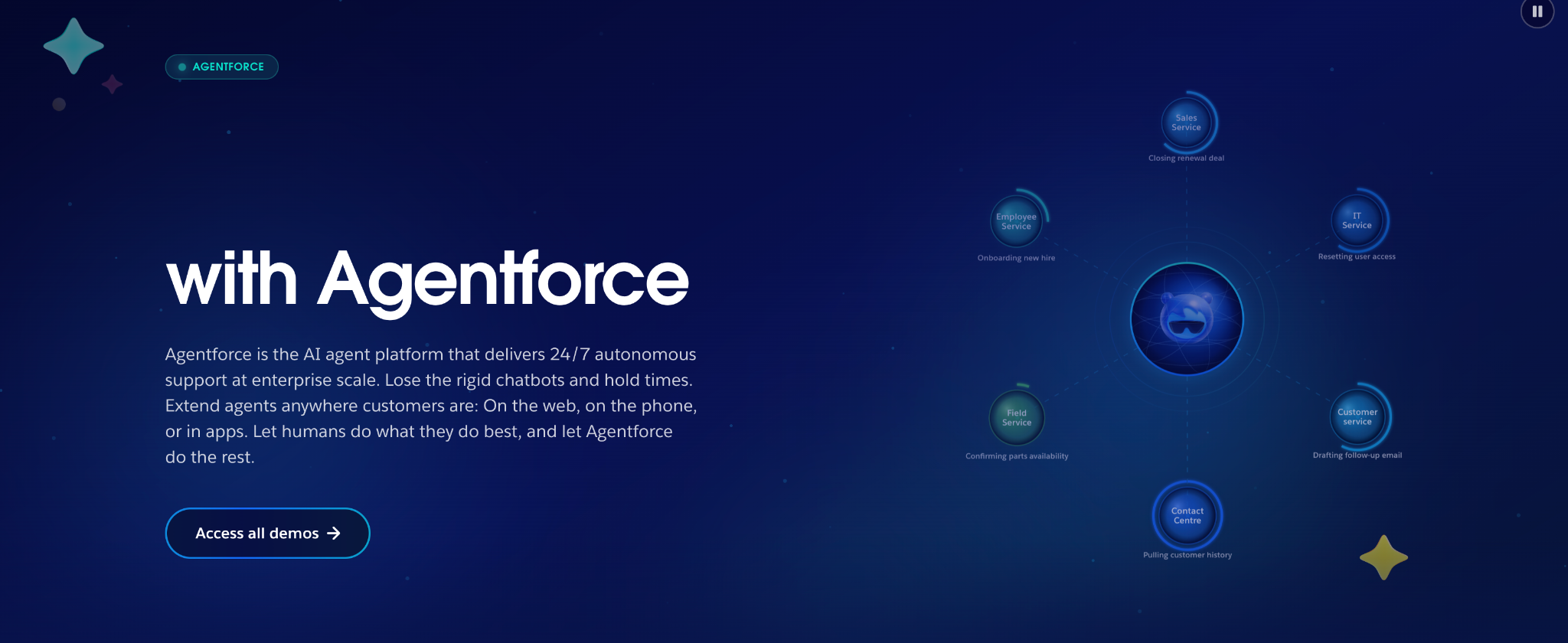
Salesforce introduced its marketing agents at its Connections event on June 3, 2026, and describes them as an AI team that works alongside marketers. They live in Agentforce Marketing, part of Marketing Cloud Next, and they read from the same customer data your sales and service teams use.
A marketer can describe an audience, and the agent turns that description into segment attributes across your unified data without anyone writing SQL. Given a goal, agents draft a brief, recommend audiences, and build journeys and on-brand email, SMS, RCS, and mobile content. Agents flag underperforming ads across channels, pause them against thresholds you set, and recommend budget shifts; Data 360 also lets them draw on PDFs, videos, and CMS pages, as well as customer records.
How far the agents go on their own is your call. With the Marketing Goals Agent, you set the goal, budget, guardrails, and autonomy limits, and the agent builds the audience, launches the campaign, and adjusts channel mix, messaging, and offers as customer behavior shifts. Salesforce's example is winning back parents whose conversion dropped during the back-to-school rush.
That agent and the Content Agent were still in pilot at launch, though. The part already generally available is Slack, where campaign tools now run through MCP, so you can request a segment, update a journey, or check how a campaign is doing from a channel thread.
3. Klaviyo Composer: best for B2C email and SMS
Best for:
- Ecommerce and B2C brands on Klaviyo.
- Email and SMS teams.
- Small teams that want campaign builds handled for them.
What you'll love:
- Answers with citations to your own data.
- Segments, campaigns, and flows built and held for approval.
- Scheduled audits that run while you're away.
- Context from connected apps like Canva and Shopify.
Where it falls short:
- It works inside Klaviyo, so its actions stop at Klaviyo's channels and data.
- Usage draws on a monthly plan capacity, and leftover capacity doesn’t roll over.
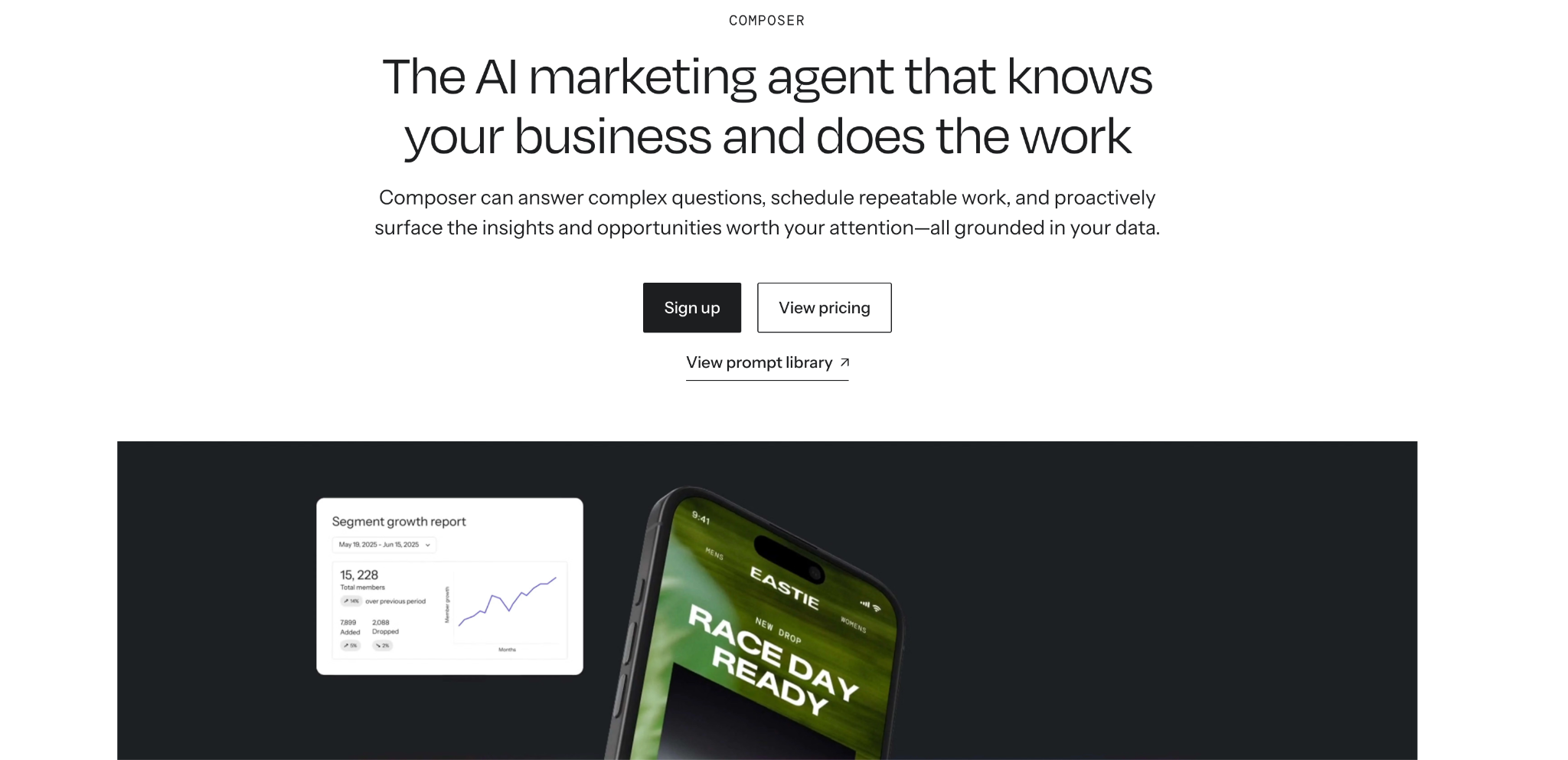
Composer is the AI marketing agent Klaviyo opened to every customer on October 13, 2026. It works from the customer, campaign, flow, and performance data your Klaviyo account already holds, and it can compare your results with benchmarks drawn from more than 205,000 Klaviyo customers, filtered by vertical and business size.
In one of Klaviyo's suggested prompts, Composer reviews 12 months of purchase history against your current segments, proposes five new segments with a message angle for each, and creates the segments you approve. It drafts campaigns from a goal or brief and builds new flows or reworks existing flows. MCP-powered connectors bring in context from outside Klaviyo, so a campaign can start from artwork in Canva or from recent Shopify orders that show which products to feature.
A weekly review of slipping flows or a monthly comparison of lifecycle performance across markets runs in the cloud whether or not anyone is logged in. Klaviyo's flow audit, for example, checks live flows for expired coupons, broken links, out-of-stock products, and emails whose revenue per recipient has fallen 25% below their 90-day average, then returns a ranked list of solutions.
4. ChatGPT Work: best for work across many tools and files
Best for:
- Cross-tool work like briefs, decks, and reports.
- Research that spans many sources.
- Teams that already use ChatGPT.
What you'll love:
- Long tasks broken into steps and worked through for hours.
- Scheduled, recurring, and event-triggered tasks.
- A browser and computer use in the desktop app.
- Approval controls for sensitive actions.
Where it falls short:
- It has no marketing data of its own, so it knows your brand and market only through what you connect.
- Complex tasks use more of your plan's included usage.
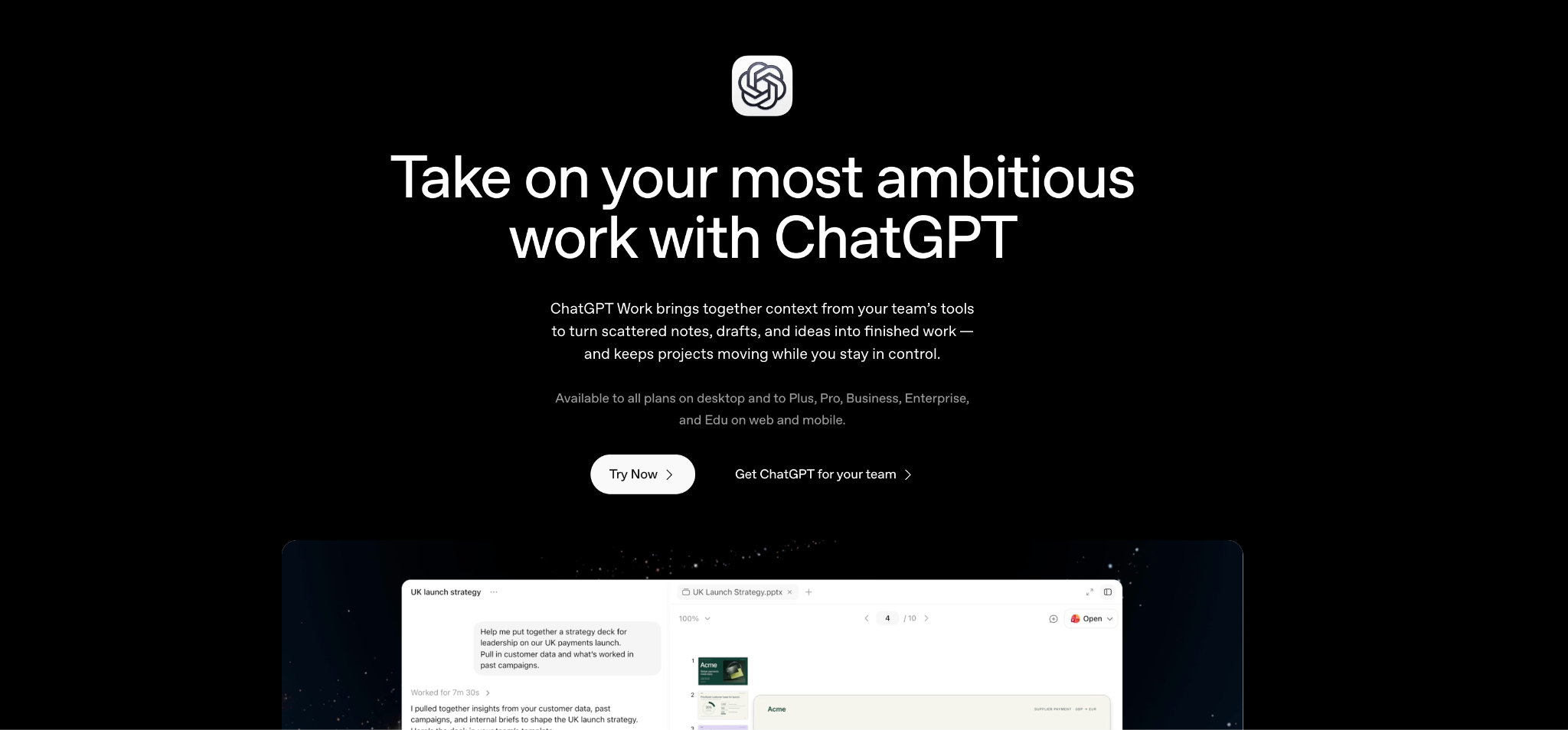
OpenAI launched ChatGPT Work on July 9, 2026, alongside GPT-5.6, as an agent for projects too big for a single chat. Given a job, it breaks the work into steps, pulls what it needs from your connected apps and files, and can keep going for hours. You can watch its progress, answer its questions, change direction partway through, and approve important actions before it takes them.
OpenAI's own marketing example shows how a task moves through it. Customer research becomes a campaign brief, the brief becomes assets, and the assets get adapted for each market, with the context carried from one step to the next. Plugins connect it to Slack, Microsoft Teams, Google Drive, SharePoint, Gmail, Outlook, Salesforce, and project trackers, and it picks the relevant plugin itself unless you name one. Finished work can be a sheet, a deck, a doc, or a Site, still in public beta, which turns results into a dashboard or tracker your team opens by link and ChatGPT updates as the underlying data changes.
Tasks can also run while you're away, once, on a schedule, when an event happens, or as ongoing monitoring, such as checking dashboards every morning and sending a summary. In the desktop app, a built-in browser and computer use let it click, type, and move files across your local apps. Admins on Enterprise and Edu can restrict sensitive actions and control browser and network access.
On Business, Enterprise, and Edu plans, workspace agents turn a workflow into an agent your whole team shares. You can require an agent to ask for approval before sensitive steps, like sending an email or editing a spreadsheet. Admins on Enterprise and Edu control which tools and actions each group can use.
5. Ahrefs Letaido (formerly Agent A): best for SEO and content teams on Ahrefs data
Best for:
- SEO and content teams that already use Ahrefs.
- Recurring reports, alerts, and digests.
- Building internal tools and dashboards without engineers.
What you'll love:
- Ahrefs data available to its agents directly.
- Brand Radar data on AI share of voice and citations.
- Brand memory and playbooks reused across runs.
- Pages and reports published on your own domain.
Where it falls short:
- Letaido works without an Ahrefs subscription, but the native Ahrefs data integration requires one.
- Automations run what you schedule, and Ahrefs doesn't describe Letaido proposing work on its own.
- Ahrefs doesn't describe an approval step before work is published.
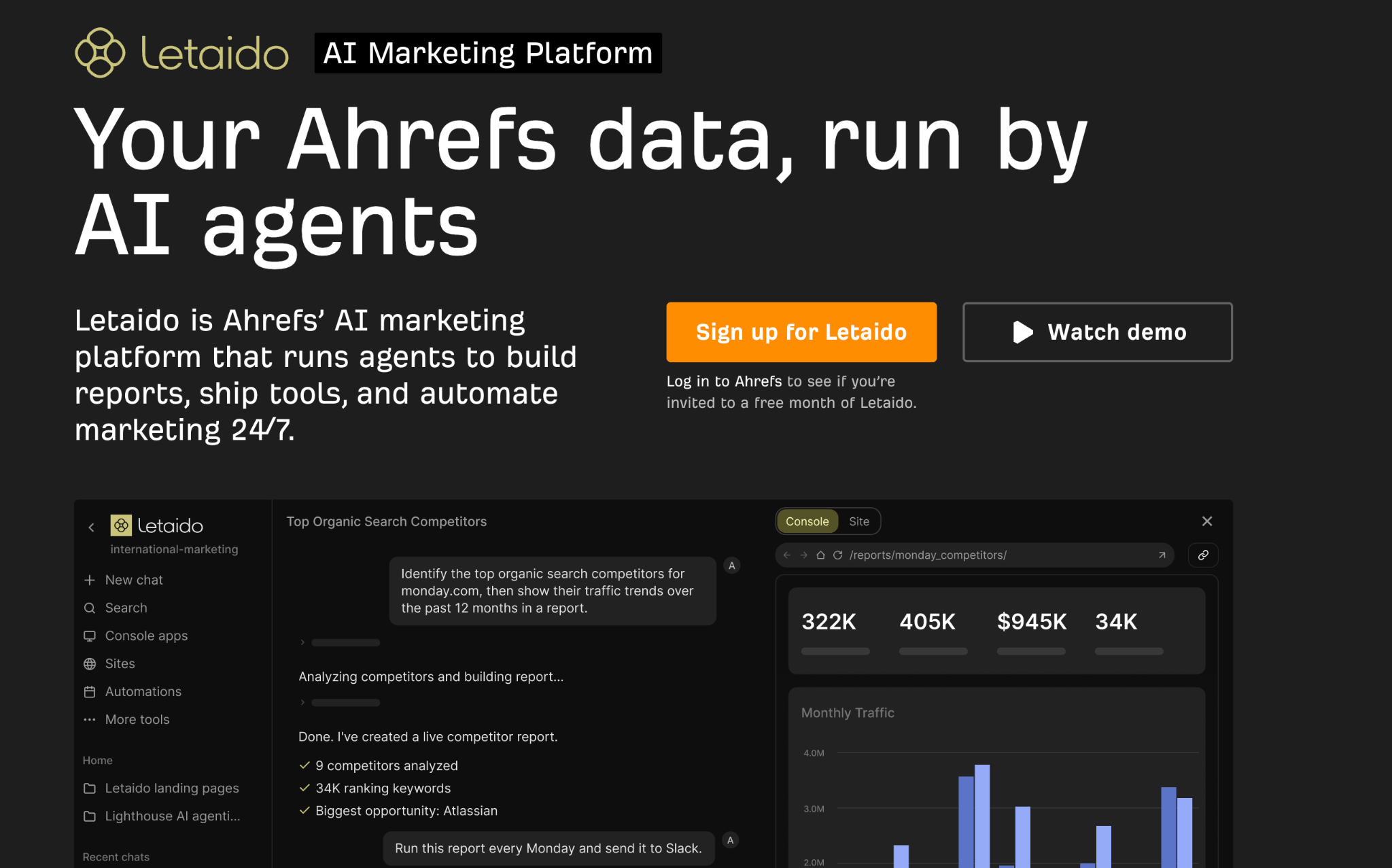
Ahrefs launched its agent workspace as Agent A and has since renamed it Letaido. Most of what makes Letaido useful comes from the data underneath it. Its agents read directly from Ahrefs' Site Explorer, Keywords Explorer, Site Audit, Rank Tracker, and Brand Radar, which tracks AI share of voice and the sources AI engines cite, and they add live web research on top. On the AEO side, it can track AI share of voice on a schedule, find the sources citing your competitors, and flag what AI gets wrong about your brand.
Scheduled automations deliver alerts, digests, and reports without anyone starting them, and retry when a run fails. Brand memory and playbooks carry your voice, positioning, and design from one run to the next, and Letaido connects to more than 35 marketing tools, including Notion, Slack, HubSpot, WordPress, Google Ads, and Semrush. Finished landing pages, reports, and microsites can go live on your own domain.
Where marketing assistants go next
Our three questions will help you pick an assistant. After a few months, though, a new question comes up: is it learning from you? The assistant worth keeping gets a little better every month at everything it touches, from what it suggests to what it drafts to how it measures the results. It improves because it learns from what your team accepts, edits, and ignores. If it's no sharper by the sixth month than it was on the first day, you've bought a faster way to do the same work.
That's the bar we hold Profound to, and it's why we went from AI search intelligence to an agentic marketing platform. We'll keep pushing the product further, so you can spend less time producing and more time on the calls only your team can make.
See what Aim would bring your team this week. Book a demo.
AI marketing assistants FAQs
Can I use ChatGPT as my marketing assistant?
Yes, for work that spans many tools and files. ChatGPT Work connects to the apps you use, runs scheduled tasks, and takes actions with your approval. What you give up is marketing data and shared context. It doesn’t track what AI engines say about you, and it knows your brand only through the files and tools you connect and the instructions each person gives. If your team needs one source of brand context and AI search data for everyone, a marketing-specific assistant fills that gap, and it can run alongside a general one.
How does Aim decide which opportunities to suggest?
It weighs your AI search data against your brand context. Aim looks across visibility, sentiment, accuracy, prompt volumes, AI agent traffic, and competitor benchmarks, then checks what it finds against your Brand Records, like the products, audiences, and priorities in your strategy. Each opportunity arrives ranked, with the reasoning and data behind it.
It also learns from results. Aim measures how completed work changed the metrics each project targeted, and it learns from which opportunities your team accepts, edits, and ignores.
What does Aim need from my team to get started?
The prompts you track in Profound and your brand context. Context Manager fills its Brand Records from the knowledge bases, brand kits, and Slack, email, and Gong conversations you connect, and Aim asks a question whenever a gap would change its answer, so you don't have to write everything down up front.
After that, your team's job is mostly deciding. You accept, edit, or skip each opportunity, shape the brief for each task, and approve what the agents produce.
Can my whole team use Aim, or only one person?
Your whole team. Aim works from shared Brand Records, so the context belongs to the team instead of whoever wrote the last prompt, and each person's preferences are kept separate from the shared brand context. Drafts land in Documents, where teammates review and comment, and Skills save instructions anyone can reuse.
That lets SEO, content, PR, and product marketing work from one list of opportunities, with each team reviewing the work it owns.