


AI search and agentic commerce put new weight on your Amazon listings, and the holidays raise the stakes. In Profound's Black Friday research, Amazon appeared in 48.4% of AI answers to Black Friday shopping prompts, more than any other retailer. And our June study of ChatGPT Shopping found that 88% of the product offers it showed came from product pages.
Profound has made it easy to see what shoppers ask AI and how your products show up. But updating your listings to match still means editing them by hand in Seller Central.
The Amazon integration connects Profound to your Amazon Seller Central account so that you can update your listings from Profound. Make a one-off change with Aim, your AI Marketer, or build Agents to handle the same changes again and again.
Where you can use the Amazon integration
Update Amazon from a conversation: Ask Aim to change a listing, and it writes the update straight to Amazon. Aim asks before publishing, and you can approve each change or let future updates go through automatically.
Hand repeat updates to Agents: Build an Agent for the updates you repeat, like refreshing listing copy ahead of a seasonal sale.
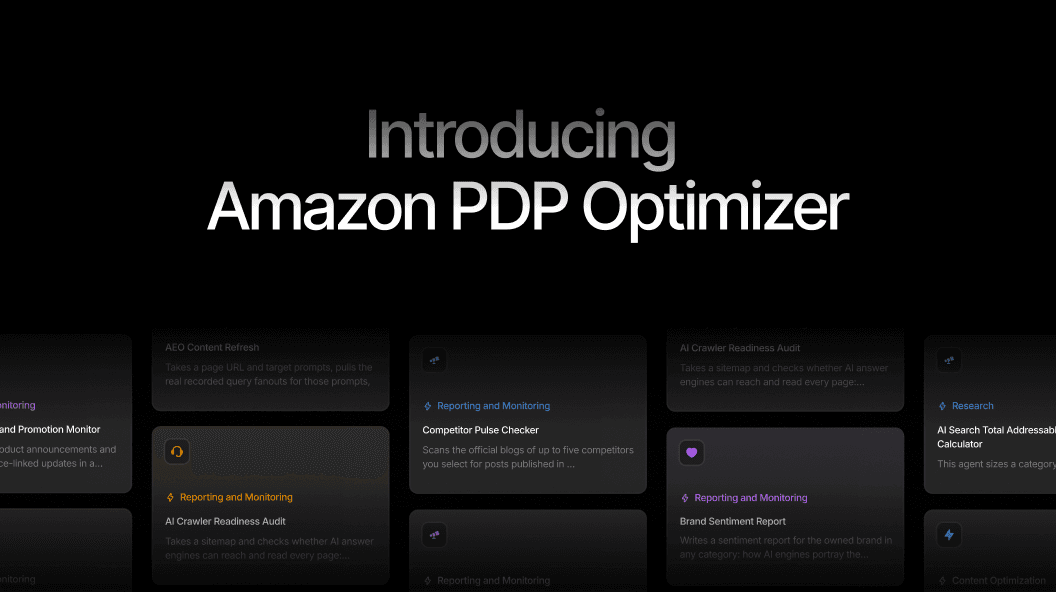
Start from the Amazon PDP Optimizer template: This Agent template uses the integration to check a listing against best practices for AI search and draft new copy within Amazon's character limits for each field.
How Profound customers can use this
Answer the questions shoppers ask AI
Prompt Volumes shows the questions shoppers ask AI in your category, such as whether a product is waterproof. When your listing doesn't answer one, ask Aim to add the answer to the bullet points.
Win the comparisons shoppers make with AI
When Answer Engine Insights shows a competitor winning the comparison prompts in your category, ask Aim to add the specs and approved claims shoppers compare on to your listing.
Retire an old product name on Amazon
After a rebrand or rename, build an Agent that finds every listing still using the old name and updates it, so shoppers see only the new name.
Roll out a product change across your catalog
When a product changes, like a new formula or a new certification, build an Agent that finds every listing it affects and updates each one.
Get started with the Amazon integration
Contact your Profound team to turn the Amazon Integration on for your account. Once it's on, find the Amazon PDP Optimizer in Agent templates.
If you're not yet a Profound customer, get a demo to see it in action.


